My UDL OpenCourse Diary
Context: I decided this summer that I really wanted to revise how I teach, and the corresponding resources I develop and use, be considered from a UDL viewpoint. It’s an area in recent years that has been deservedly growing, with awareness of these approaches becoming more commonplace. The NF/UCD/AHEAD open course on UDL has been one of the most subscribed yet, and in me this term, it had one more person signed up! I’m going to use this platform below to document my learnings as I progress through the course, hoping that it will help and encourage others who may not be in a position to commit to the course, or wait until the next iteration runs.
Click on the various +/- below to expand each point and read about my learnings and redesign activity.
The firstly section details my background and awareness of this space…
The firstly section details my background and awareness of this space…
1: Developing the National Resource Hub for T&L OER; Accessibility Aware
While at the National Forum, and as part of my work in developing the needs and focus for the National Resource Hub, I interviewed several people from across higher and further education considering those in all institution type and also levels. Hence, this wide ranging interview series provided a true insight across all HE stakeholders. Every interview brought its own unique angle and points to note, however there was one common element across every interviewee - Accessibility and UDL. Everything we developed at the Forum involved taking a UDL/Accessibility, and open licensing, approach. Win-Win on so many levels.
2: The UDL OpenCourse; kicking things off in Week 1
- Signed up and enrolled. Always the hardest part. But once you’re signed up, you have a focus and make it happen!
- Ahead of week 1, we received a lovely welcome from our peer group facilitator. Here we find out who are your peer triad members. You may not realise it yet, but along with the facilitators, these people are going to be such amazing supports and motivators over the coming 10 weeks.
- Week 1 formally kicked off with a webinar (recorded for those unable to attend). The webinar introduced the main leads behind the course, with an overview of its format and structure. What was really striking here, was the compassion and support shining through from every word spoken by the leads. We are encouraged to engage on social media where possible, which from a few likes on a recent tweet, highlighted the interest in key members of the sector. Videos around various aspects of the course are presented also. You feel like you are part of a community already, on a course in such an important area, and one I saw referred to on twitter recently as a ‘movement’.
- Next plan is to meet as a peer group with the facilitator to kick things off, to then schedule triad catch up meetings at a time that suits all, and also to review the course VLE multimedia module which is constructed and laid out beautifully with wonderful video insights from students. Great to have things kicked off now, and delved a bit further in to designing learning interactions, reduce barriers and create more opportunities to engage. It’s mentioned to be about embracing learning diversity, ’reaching and teaching’ everyone and realising that enhancing accessibility & UDL is everyone’s business.
- Dr. Katie Novak: Ice cream truck analogy: which speaks to variability by having sorts of different types of treats; can’t just offer it in one way, can’t just have one thing to offer. Everyone that comes up to the ice cream truck has an equal opportunity to have something - need to do the same in our classrooms and institutions.
- UCD for all video: Need to be considering the needs of all students from the outset. Implement an inclusive educational experience for all.
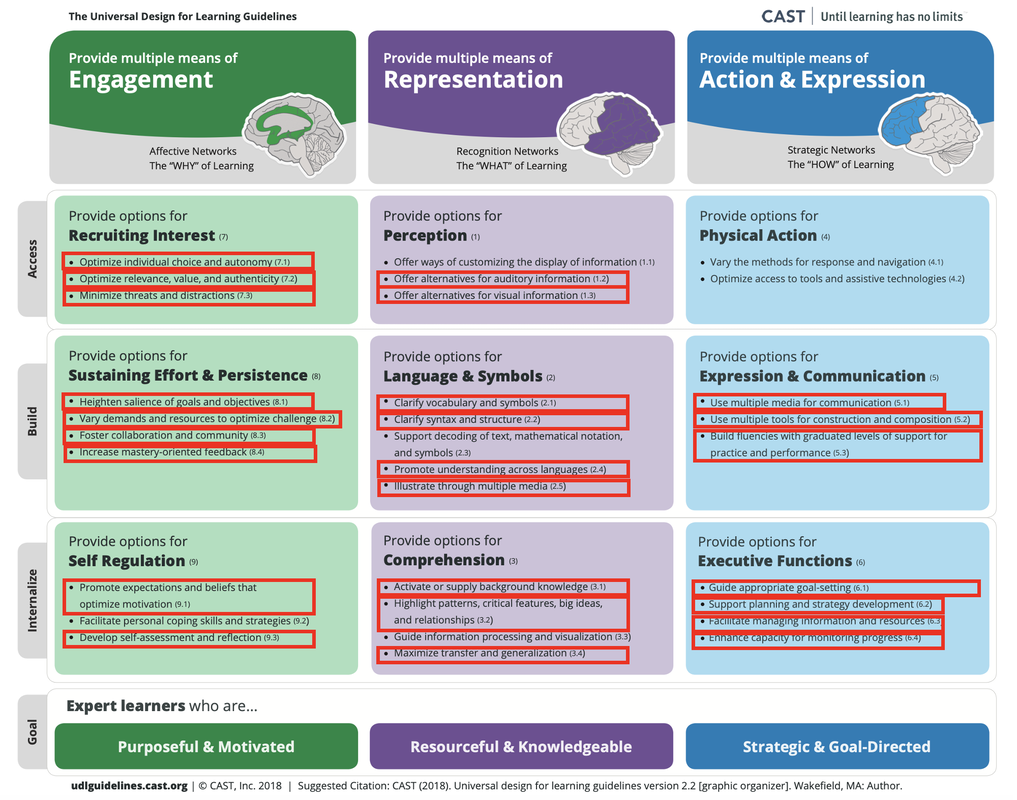
- 3 UDL guidelines/CAST 2.0
- Multiple means of engagement
- Multiple means of representation
- Multiple means of action/expression
- A UDL Goal/strong selling point - create expert learners, with soft skills, not just focus on knowledge transfer.; can apply this to everything. Creates a 'what more could help' momentum in my mind around my resources, activities, support, engagement etc.
- Think +1 (Tom Tobin on YouTube/AHEAD channel)
- UDL vs UDI; UDL stronger focus on learner engagement
I am so excited about being on this course, it is something I know 100% is the right thing to do and I’m so keen to learn more. I’ve taken and acted on one specific point from the course’s student feedback videos today, and reached out to my own students on how I can do more to support around this. It has come up in class discussions earlier in the term, so looking forward to working with them to identify and create supportive solutions.
3: Diary from Week 2 of the course
- Great to start the week off with a kick off with my peer triad group. We introduced ourselves, our roles, why we enrolled in this course, UDL, barriers to teaching as well as completed a code of conduct to ensure engagement and support throughout the open course.
- I came across a great twitter account! ‘Accessibility Awareness’ @A11yAwareness
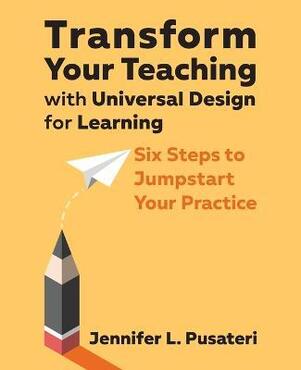
- Ordered a book I came across on twitter ‘Transform Your Teaching with Universal Design for Learning”. In the end, ordered it via the book depository (as delivery was twice the cost of the book from the official link/store the tweet brought you too ). Can’t wait for it to arrive and learn more.
- I downloaded a podcast from CAST for my commute to work
- Some great quotes below:
"Accessibility isn't extra steps. It's the steps you missed," okay? So it's just not another thing. It should just be the thing."
- Quote by Kelli Suding
“Nothing about us without us“
- Dr. Eric Moore, Director of Learning Technology at the Kennedy Krieger Institute
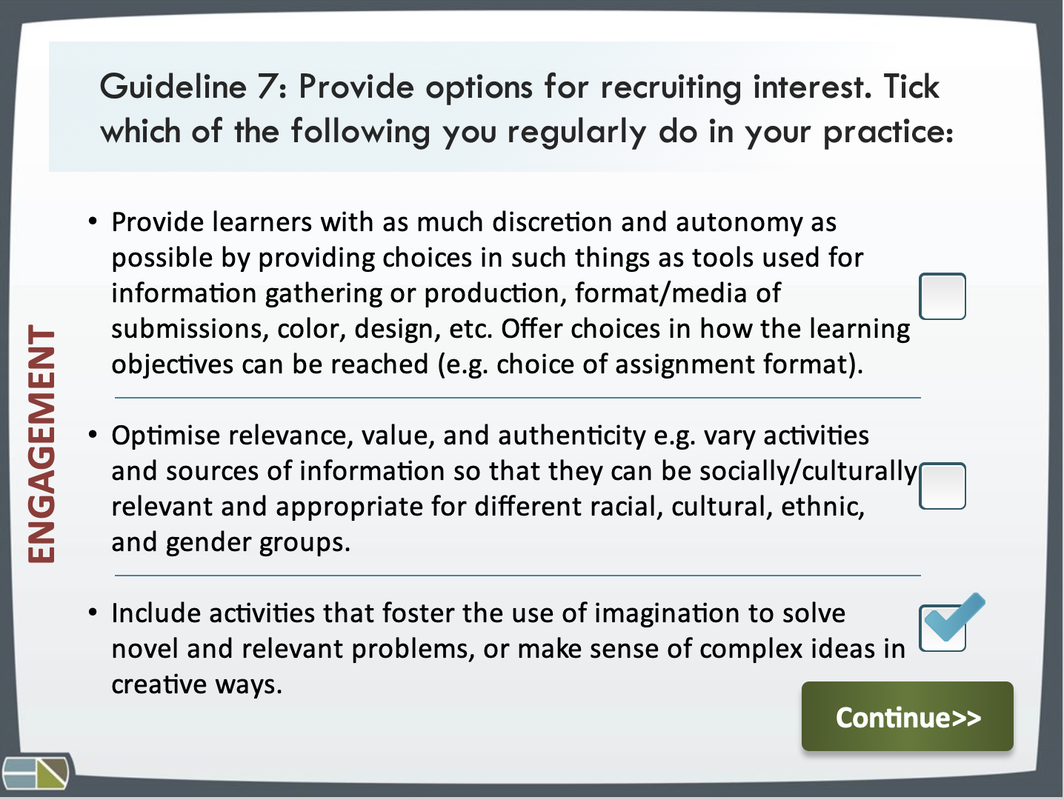
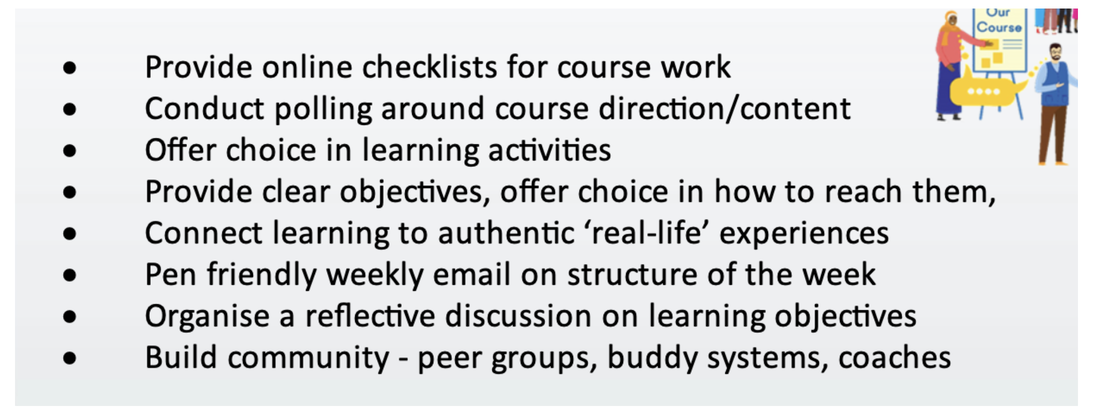
- Course questions on multiple modes/means of engagement - the why of learning - giving choice can help/flexibility/play to strengths/responsibility/connection/goal setting. Not overlying on one teaching method. Explain, let them know why they are doing it. Choice on assessment (record vs write, record doing an activity etc.). Challenge/engage. Reach out to other departments for supports/idea, enhances sense of belonging. Cultural events for international students. Develop self assessment and regulation - identify personal goals, checklists, peer/buddy system, Conflict management - interpersonal conflict, emotional intelligence. Not every student comes to college for a job, could be to build confidence.
- One theme of multiple means of engagement = “Ensure we stimulate the interest of our learners and find ways to help them persist with the course by demonstrating that their contributions matter to the class and wider community”
- How can we help our learners to engage with their peers and the wider college community?
- How can we stimulate the interest of our Lerners and motivate them to stay the course and finish the programmes we offer?
- How can we ensure that learners feel that their contributions matter?
- I continue to consider my lecture notes, and update them based on what I outlined above, as well as develop more audio summaries and other ways for students to access learning.
- Representation - making things more accessible, multiple ways to get information.
- Apply +1 thinking to your learner interaction.
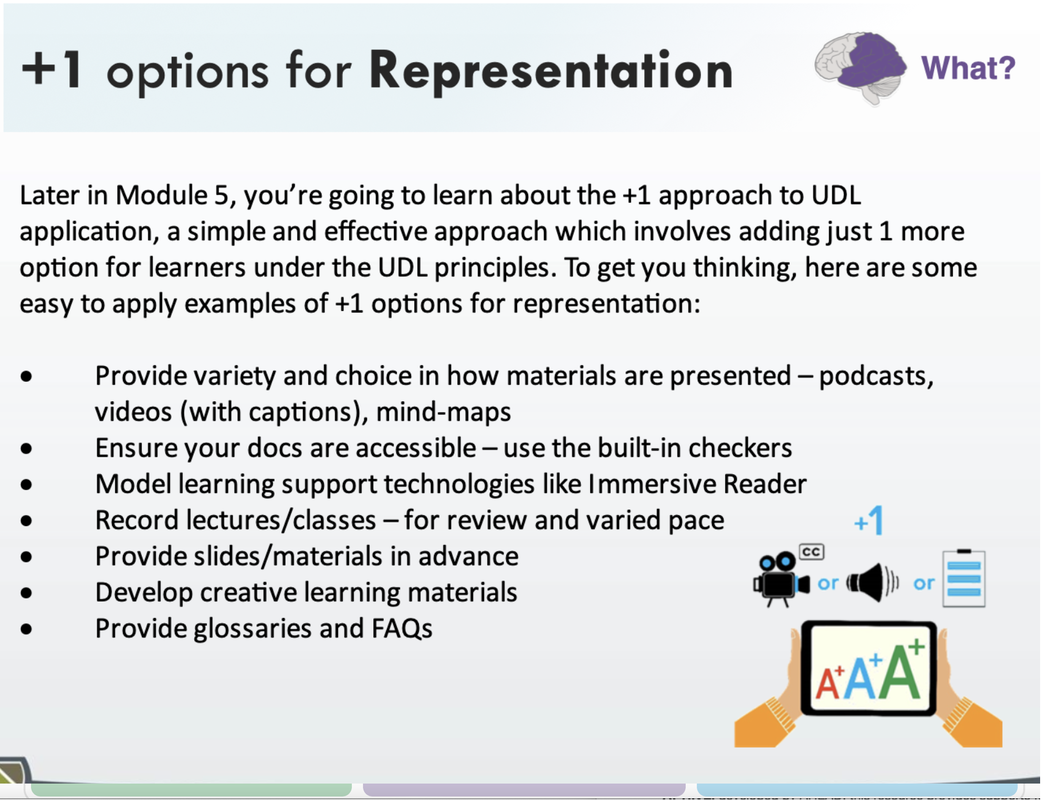
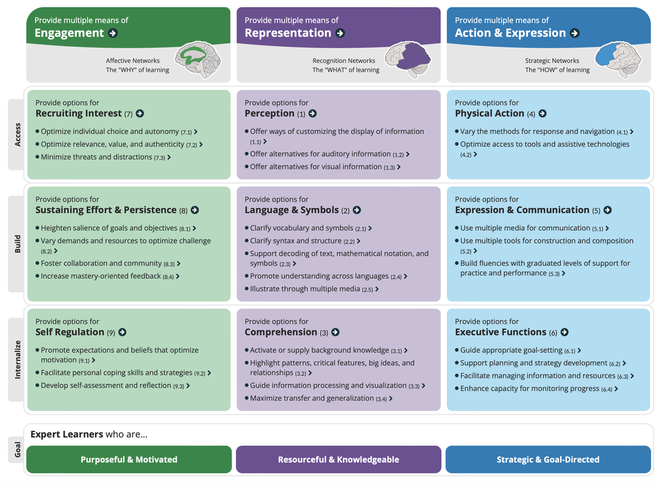
Multiple means of representation; the ‘what’ of learning; recognition networks
- Provide options for perception, language and symbols, and comprehension.
- Multiple intelligences; people learn in different ways, we need to teach in different ways.
- Present information and content in different ways
- Course portfolio opportunity; learner can own how they do it.
4: Diary from Week 3 of the course
- Kicked off with an update to my peer triad re. the UDL framework and persona, as well as my focus on trying to reduce barriers to create opportunities. Great to hear what they are planning to focus on also.
- Learned last week that the framework is indeed far reaching, and that appear to be very drawn to the representation, and in particular, the perception elements while undertaking this course.
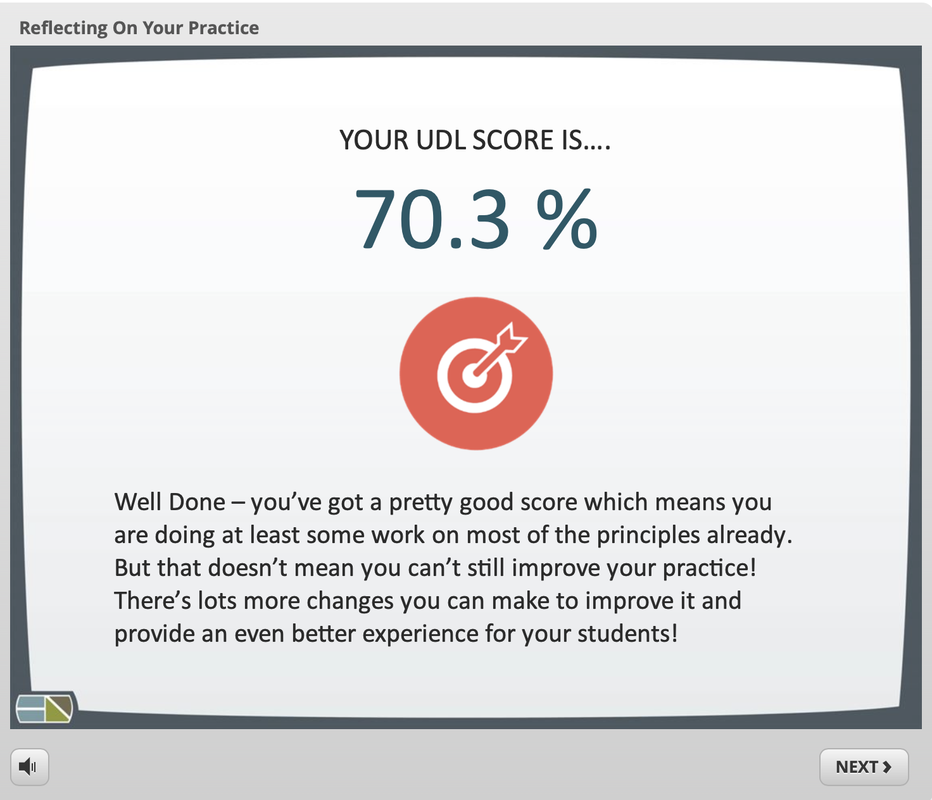
- Realising I actually engage with several aspects of the framework in my teaching practice already, I do see the benefit of going through the CAST, UDL framework,.
- Need to get back to continuing my resource update journey also.
- Realised the wide ‘reach’ of the UDL framework overall, it touches on so many aspects.
- My book order is on its way (see aside image!)
5: Diary from Week 4 of the course
- Generally, the weeks seem to be getting busier with meetings, correcting, teams calls, project work etc. right now. However I am still so keen to consistently find time to work on my UDL focus, but it's more in the evenings I'm getting to reflect and plan how I can start my redesign activity plans (will detail in next sections).
- Kicked off the week with a peer catch up meeting. Always inspiring to hear the plans of others and to talk through your own focus. Great to share, and learn from each other. Talking it through out loud always helps me assimilate and process what I’m working on.
- We reviewed the template document for what we submit towards the end of term.
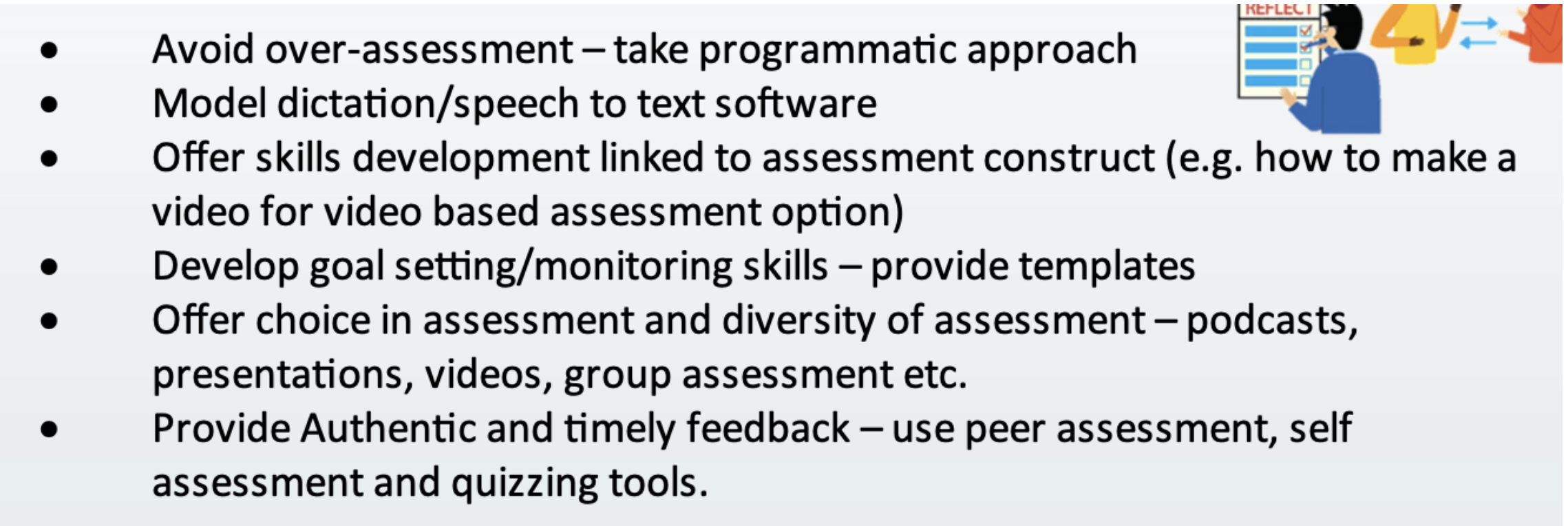
- We discussed the +1 concept also as well as the CAST UDL framework.
- Ticking off our progress on the schedule and started to engage with this week’s module online too.
- Adding Alt-Text and fixing my slides again (will detail all around these updates in a future section below).
- Realised the need in some way to generally quantify/evaluate my efforts, as well as how I will evaluate with learners too. Planning a menti evaluation with my students.
- When generating PDF handouts of powerpoint slides with Alt Text etc., I'm running in to technical difficulties, think it’s due to new versions of software whereby PDFing (exporting/saving not printing, to PDF is not carrying through the alt text images like it did last time. Trying adobe acrobat also, same issue now (new version). Used another service to password protect the PDFs (new version of adobe acrobat wants lengthier passwords and I’m happy to keep things simple here given it’s only lecture notes)….update!….problem solved, export as PDF on a PC (not Mac this time), preserve tags, online work, then add short password with ilovepdf.com….all good now! Need to think about the background colour of my slides re. UDL. Found this HEX code for off white (which is recommended to support and help learners with dyslexia - #FAF9F6).
- Completed module work for this week. Enjoyed taking the quiz. Doing okay, but still so much to learn, to work on and to enhance.
- I’m beginning to see the +1 approach can apply to almost everything, and it does create an always improving mindset. I’m beginning to see UDL approaches and/or the benefits of same in so many other bodies of work, projects etc.
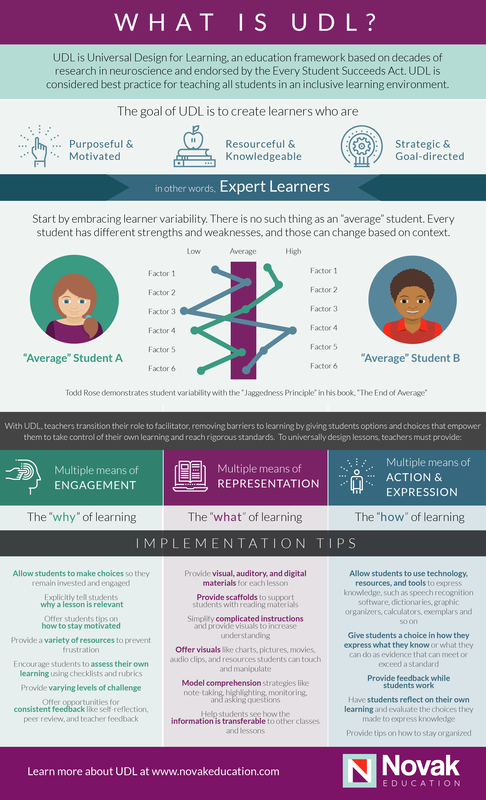
Great image. “No such thing as an ‘average’ student”. Click image above to visit their website.
Big next step!
The course’s focus now turns to the redesign activity….it’s something I’ve been tipping away at already but am so much more aware of aspects of it now.
The course’s focus now turns to the redesign activity….it’s something I’ve been tipping away at already but am so much more aware of aspects of it now.
6: So What Was My Redesign Activity?
How it came about....
Coming back from my secondment, I was very keen to work with my students more. I like to think I always have, but perhaps this year I hoped to delve a bit more in to this space. In parallel, UDL was very much on my agenda based on my time at the Forum.
In the opening sessions of the module, I asked the students for some feedback around how I could support them more. This was such an important activity (via menti). The feedback was helpful and ultimately became my to-do list! One point really resonated with me:
"More Accessible Notes"
It really (really) hit home. Complementing this, as well as supporting my main cohort of learners, I've become really focused on supporting students with learning agreements as best I can. Remembering, there is no average student...so I want to help all across various levels - removing barriers and promoting engagement.
Coming back from my secondment, I was very keen to work with my students more. I like to think I always have, but perhaps this year I hoped to delve a bit more in to this space. In parallel, UDL was very much on my agenda based on my time at the Forum.
In the opening sessions of the module, I asked the students for some feedback around how I could support them more. This was such an important activity (via menti). The feedback was helpful and ultimately became my to-do list! One point really resonated with me:
"More Accessible Notes"
It really (really) hit home. Complementing this, as well as supporting my main cohort of learners, I've become really focused on supporting students with learning agreements as best I can. Remembering, there is no average student...so I want to help all across various levels - removing barriers and promoting engagement.
Hence my redesign activity was very much based on the above focus and interactions:
1. Improve the accessibility of my slides, notes and handouts [my primary Focus].
2. Engage with more multiple means of engagement to support learners.
3. Employ means to receive and obtain feedback and ideas with students.
1. Improve the accessibility of my slides, notes and handouts [my primary Focus].
2. Engage with more multiple means of engagement to support learners.
3. Employ means to receive and obtain feedback and ideas with students.
Improving accessibility
- Revised powerpoint slides (background, font, alt text, order of sections per slide for screenreaders, titles of slides, alignment etc.). See next accordion item for detailed overview of what I did for this.
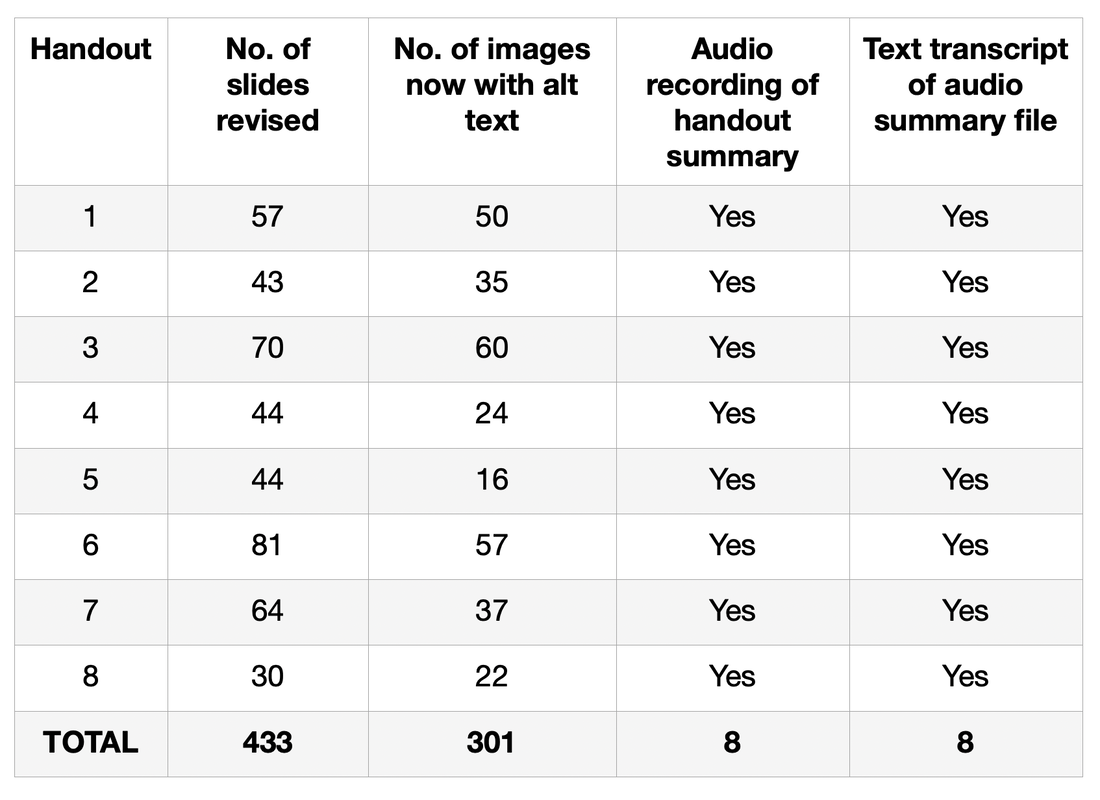
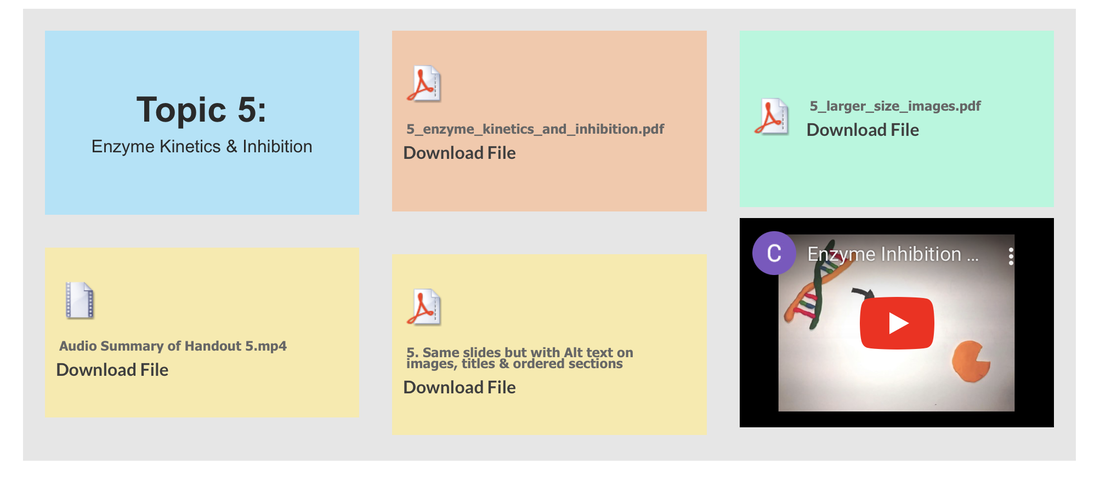
- 433 slides checked through and updated
- 301 images updated to know contain alt text specifically prepared in each instance. A lot of work, but it's good work.
- Recorded audio summaries of handouts to give students short refreshers of the main topics we covered.
- Provided text transcripts of the audio summaries. This can support international students translate the text to their first language.
New modes of engagement
- A choice around the preferred assessment schedule was provided via discussions and polls, and the outcome acted on.
- The biochemistry module with second years has a significant laboratory based component. Here, students develop and hone their technical skills as well as a suite of soft skills. This year, I introduced virtual simulations with students as part of a particular project (HCI Virtual Labs) I've been fortunate to be part of.
- However, I also added virtual simulations around lecture course content to provide a new means of engagement, problem solving and learning. Many of these simulations can even be translated to a learner's first language should they wish.
Collating opinions and feedback
- I've always been keen to gather feedback as a mode to work with my students. A key aspect of that process is that action occurs based on the feedback, and this is again shared with the students. For me, feedback has always been a priority learning tool, and this term I’ve been providing explanatory audio feedback to learners.
- In class, I've been using menti polls to gather opinions quite often, and this year I focused it on providing students with a mode to express their ideas and suggestions, allowing me to “listen” and “act”.
- But the key thing was the actioning of the ideas and feedback, that was the real winner. Closing the feedback loop, highlighting updates, was impactful.
A summary of the number of slides, images, summaries (audio & text) developed as part of this work.
A lot of work, a lot of PowerPoint, but important steps in the right direction.
- 433 slides; titled and content ordered
- 301 images now with context specific 'Alt Text' (originally had none)
- Background colour off white
- Audio summaries and text transcripts
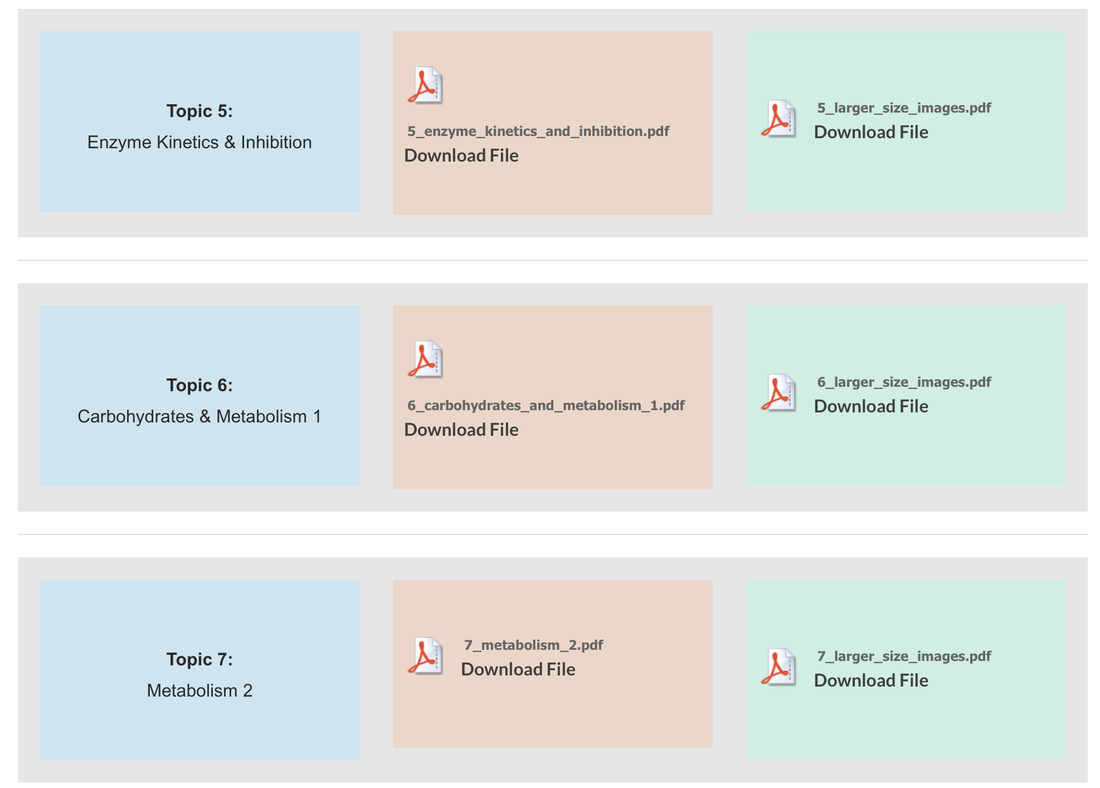
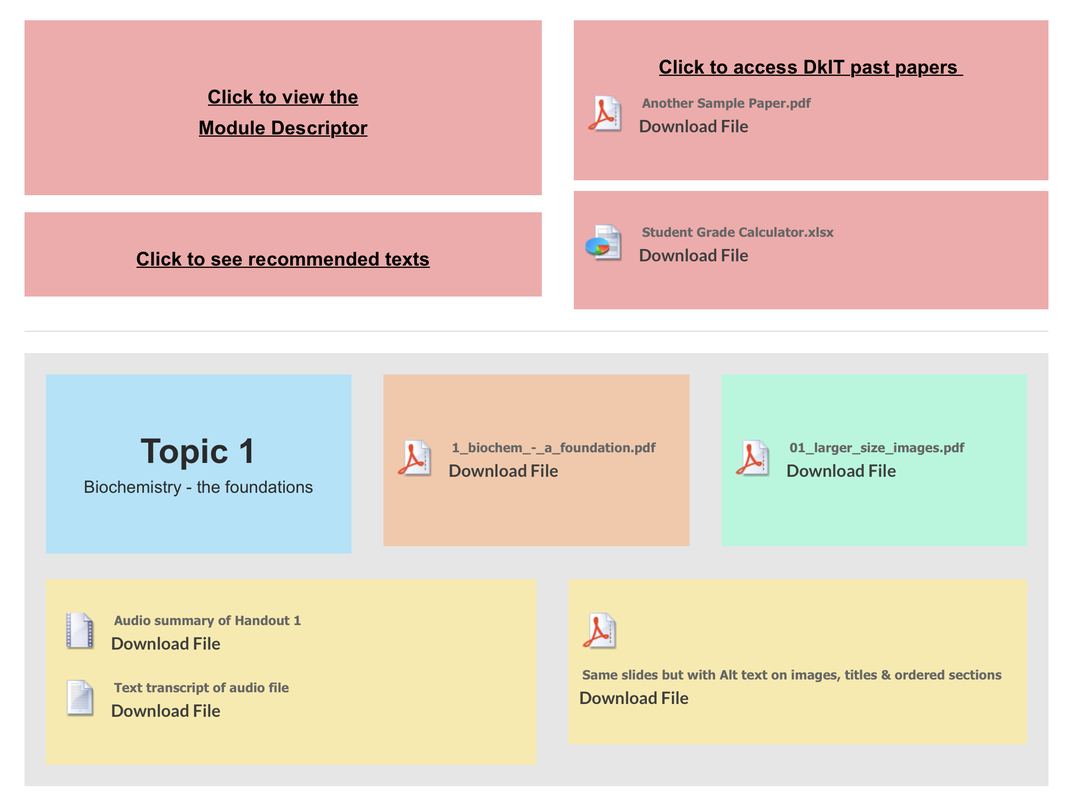
Considering Contrast
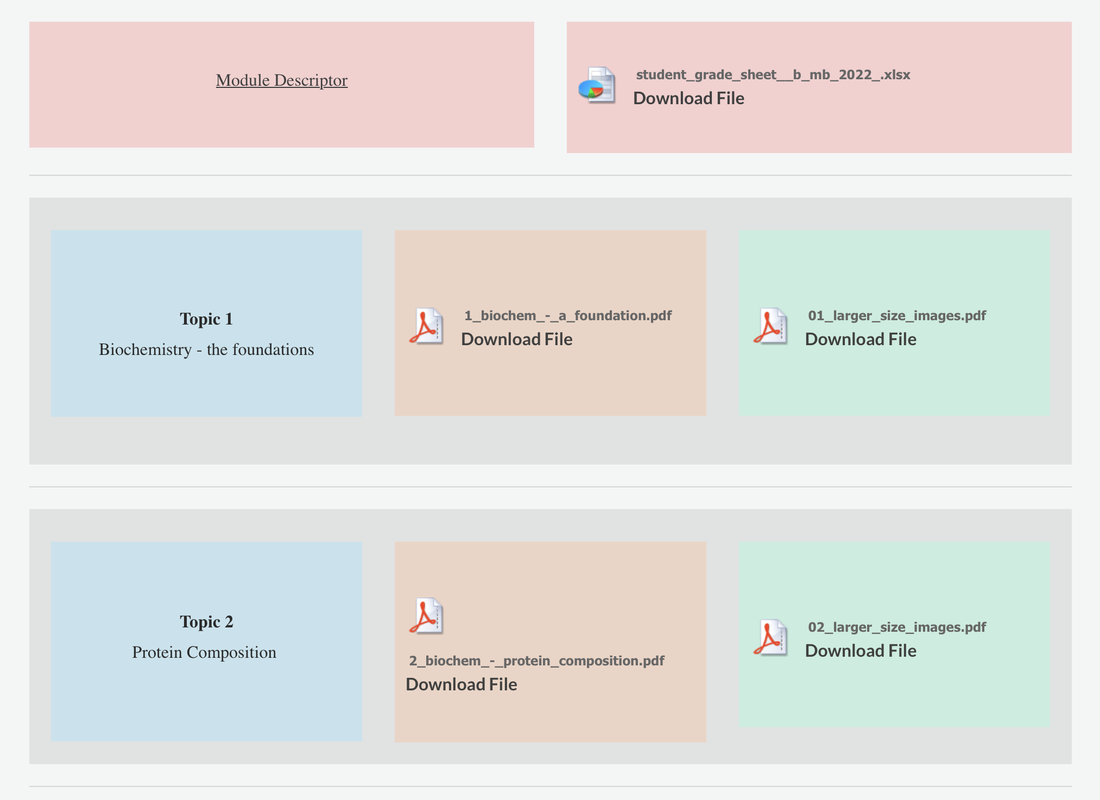
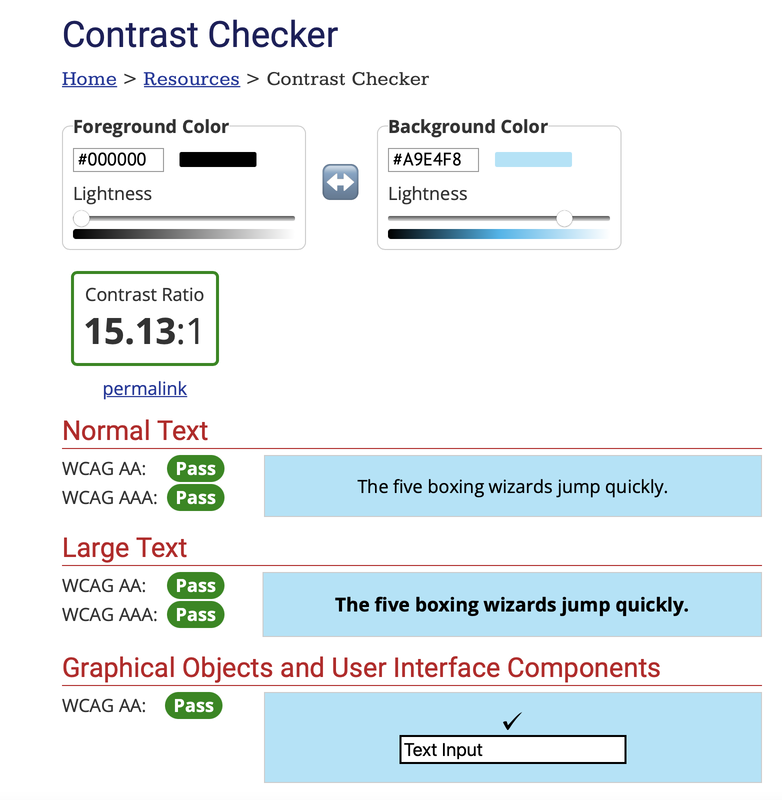
Contrast is one aspect that I feel we can all work to improve. I came across this concept with the National Forum when creating infographs, and the need for the work in this space. A colleague of mine at the time, Dr. Brian Gormley, mentioned an online contrast checker to me and I've never looked back since! So I started to apply that in this instance, both in my powerpoint and on my notes website where my students can access content.
Before
After
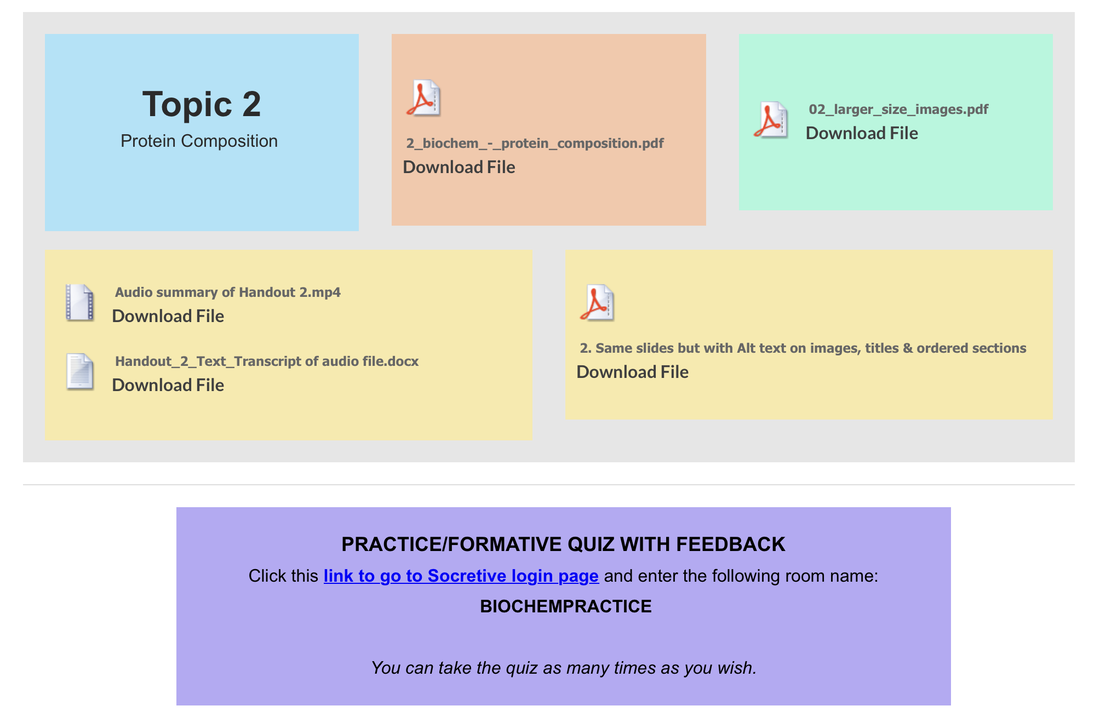
In the next section, I plan to summarise, collate and share what I did to make my PowerPoints more accessible.
7: Key Takeaway & Infograph - How to Make Your Slides and Notes more Accessible for learners
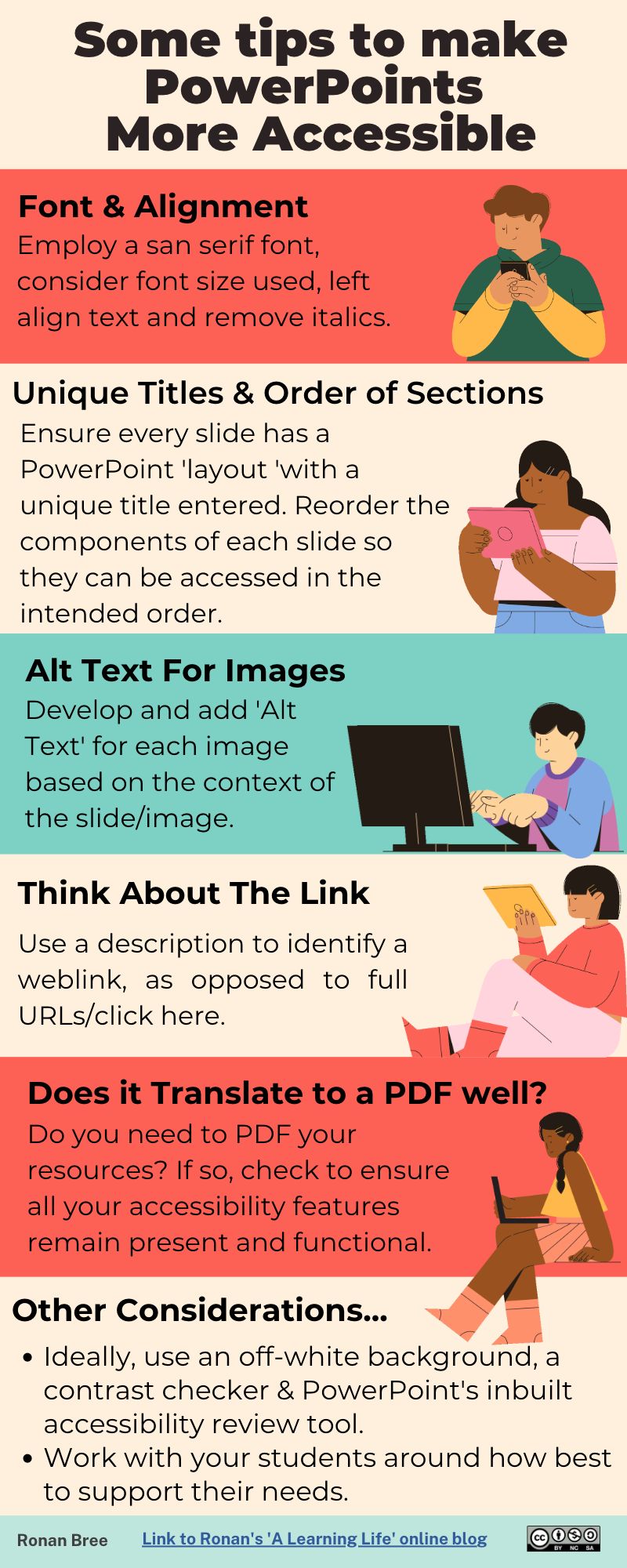
So what did I do to make my slides and notes more accessible? In parallel with using Powerpoint’s Accessibility Checker; this is what I worked on.....
- Font - sans serif; As we all know, there is such a difference in font selection in any text. Reflecting on a course in graphic design I completed in recent years, we spent a lot of time on typography (and I enjoyed every moment of that element). Ensuring you use a font without serifs is a big plus on your slides/text. Ensure the font you use does not have serifs (small lines at the end of the characters).
- Font - removed italics and consider size; continuing on the font, but reflecting on its size and also in its format, removing italicised font is helpful.
- Contrast checker; A huge area to really reflect on and consider. In many powerpoint, there are textboxes with coloured/shaded backgrounds and contrast is essential for this. You can use this tool to check the contrast of your resources/slides etc. and I go to this so often. An example of this outside of classes, was in the development of infographs where the text/block colours are essential to get right. It helps everyone, and it also looks better visually, win-win.
- ALT text for images; All images should have alternative text which states in a couple of sentences what is happening in the image, or what the image is. This is becoming more and more established on social media also, for example with Twitter.
- Added titles to any slides missing any. We are well used to Powerpoint’s standard slide layouts we can engage with, and sometimes we can delete the ‘title’ box. Vital that this is reconsidered, as it is needed for screen reading. Easy to re-introduce, and worth the effort.
- Started reordering sections on slides so they can be read in correct order - be wary, reverse order needed (see link here). A good way to test this on your slides is to free ‘tab’ on your keyboard when looking at a slide in powerpoint - this will show you the sections in the order in which they would be read by a screen reader for example. If you find things in an incorrect order, no problem, just go to the selection pane and reorder - just be mindful they appear in reverse order in the list (the article I link describe it best).
- Unique slide titles (not duplicated); ensure each slide which may have the same title text if the same topic is being covered, is revised and different.
- Think about the link: use a description to identify the link, as opposed to full URLs/click here etc..
- …..but does it translate to a PDF? So you do all the above, and then save your slides/handout as a PDF and then some of the features are not carried over, such as the Alt Text (i.e. not accessible). We need to start to reflect and think do we even want PDFs anymore? Do students still print handouts of slides (e.g. 6 slides per page format)? Do they all access them digitally, and if so could you share as slides, vs. handouts? Should we be sharing word versions in parallel? Great questions to reflect on, but the key thing is that should you require a PDF, it's important to ensure the accessibility features you have introduced carry through to the PDF, and don't get lost in the process - review my 'Week 4 Summary' above to see how I got this to work for me!
- Left aligned text
- Background colour; off white best to consider; #FAF9F6 works well.
8: Attending a Jennifer Pusateri webinar organised and chaired by CAST
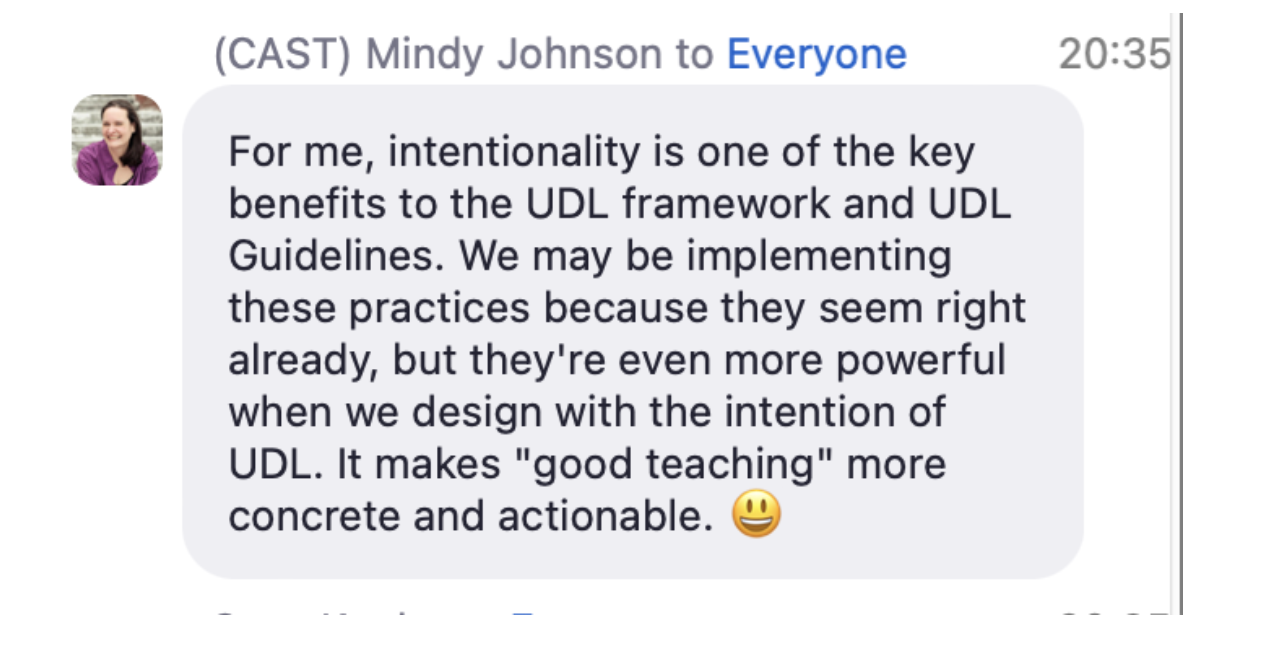
I'm a big fan of professional development opportunities....so when I spotted this webinar on twitter, I was keen to attend (albeit evening time in Ireland with time differences). Learned a lot from the discussion, questions and posts from the speaker and hosts (CAST). I screenshot some points that really resonated.
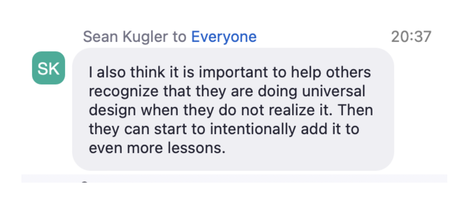
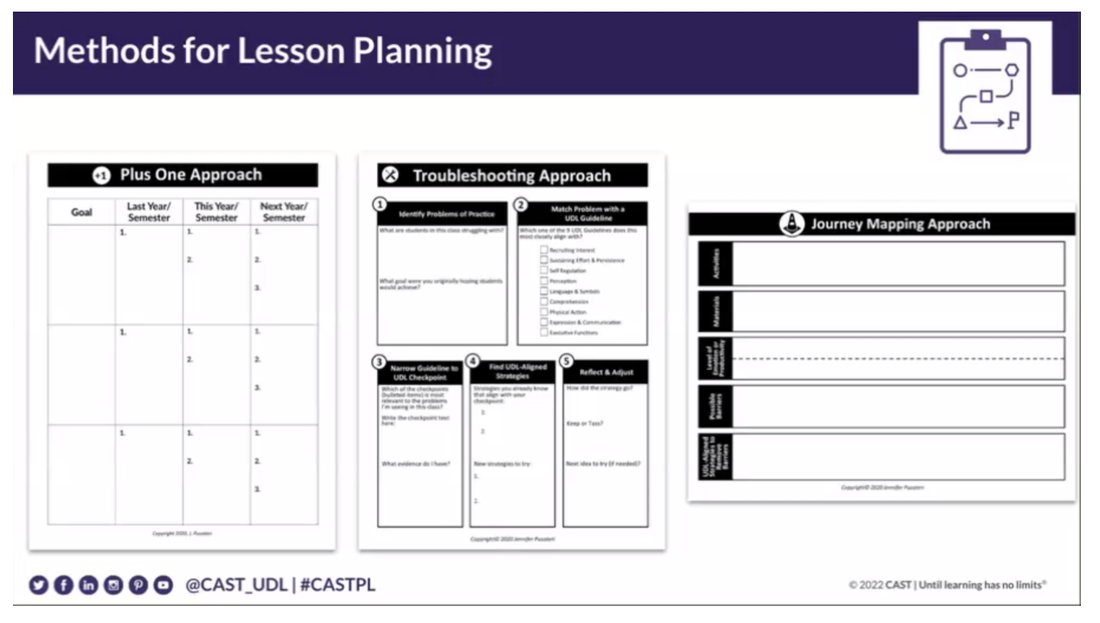
- Click links below to access the:
- Webinar digital handout
- UDL Progression Rubric | Novak & Rodriguez | ©2018
- Transform Your Teaching with UDL Additional Resources
9: Learner Evaluation re. Impact and Benefit to Approach
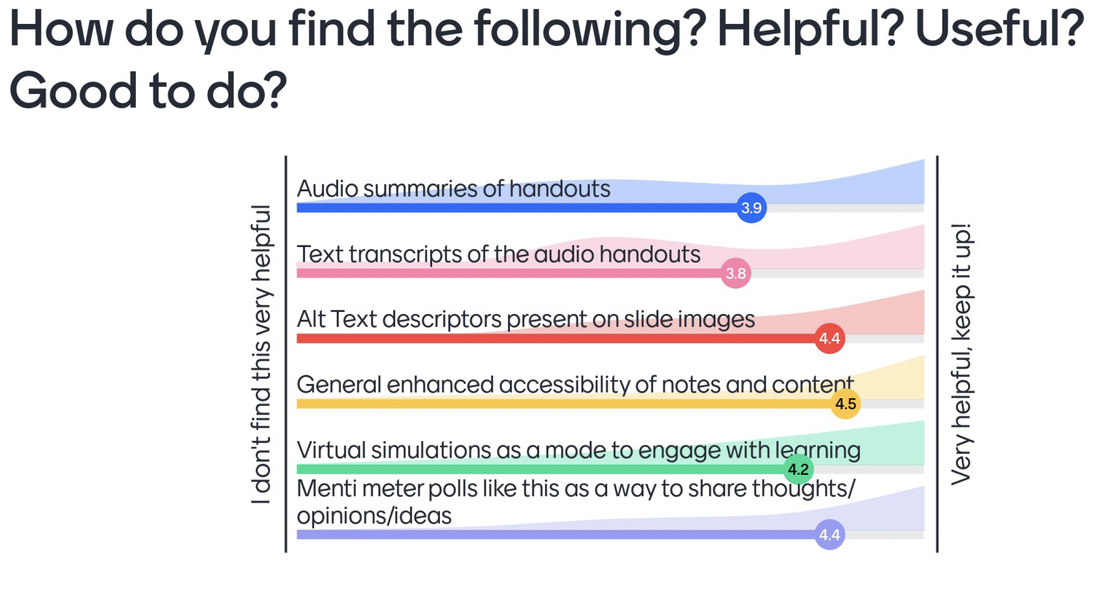
So I decided to do an evaluation activity with my students to try and capture if/how my redesign activity was actually supporting them, and if the felt I should continue this body of work - maintaining that +1 activity. I also asked for some general feedback, as you will see below.
Delighted to see in the aside image how generally, the interventions across the group appear to have been well received. Interesting that 'general enhanced accessibility of notes and content' scored the highest at 4.5/5. I fully appreciate that some students may not want or need to engage with audio summaries, text transcripts, alt text etc., but I'm back to the concept of trying to remove barriers and enhance opportunities for learning, and how there is no average student. Obviously I aspire these supports will help quite a lot of the group in some shape or form, but if all of my work here meaningfully helps just one student in the end, then I would still be extremely happy. It's one more than if I didn't try to help.
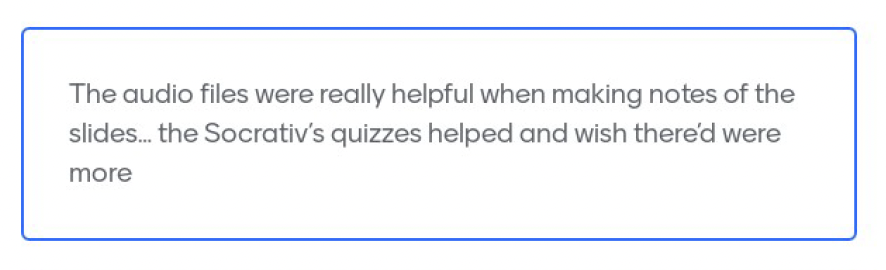
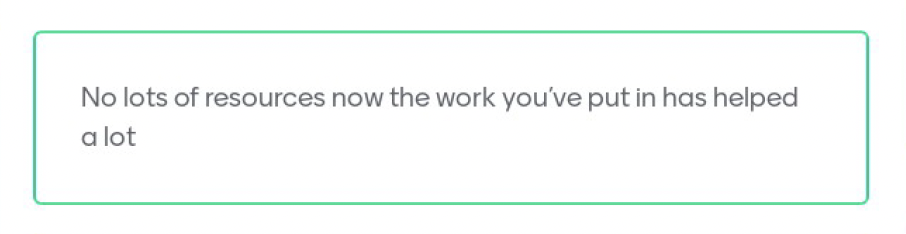
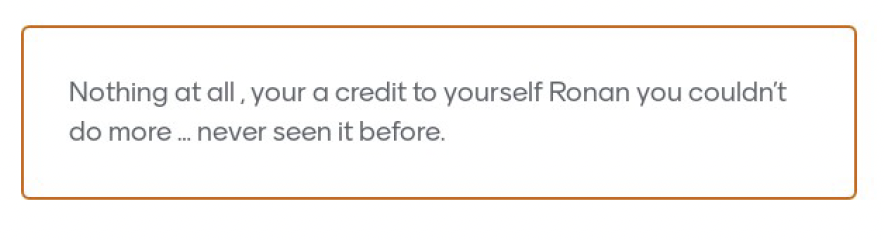
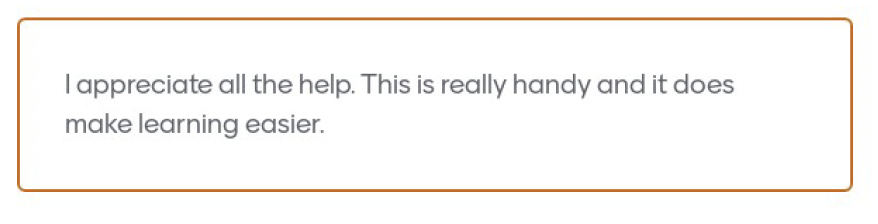
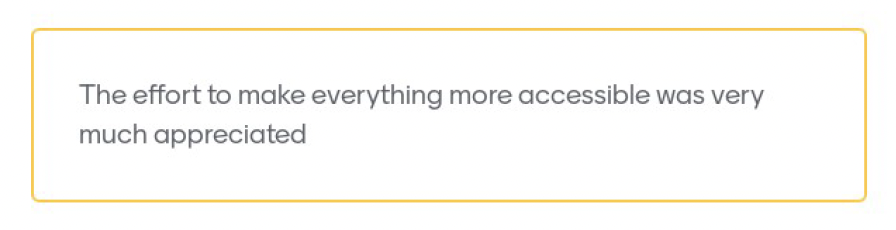
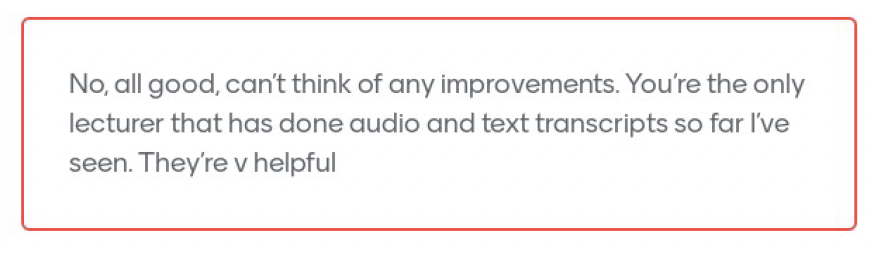
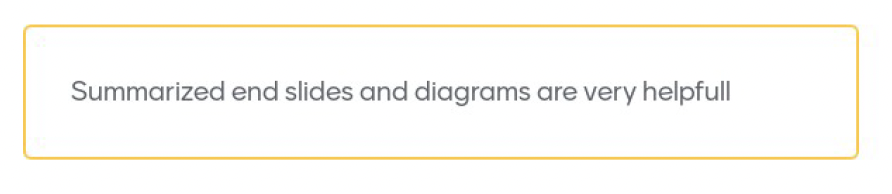
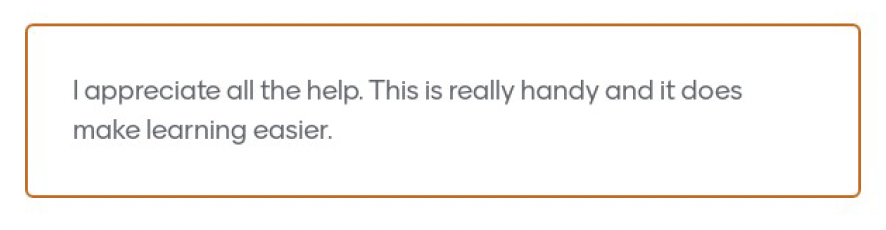
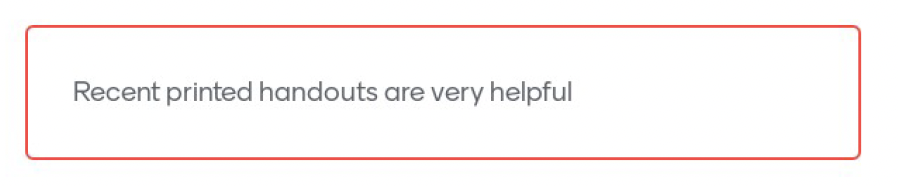
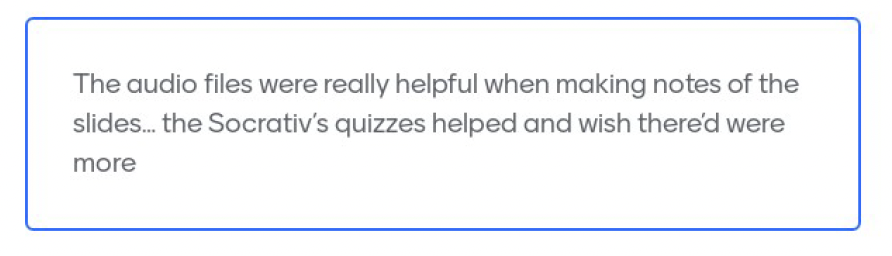
Below are some general comments and feedback from the student group, which were lovely to read through. Overall working with your students, finding out how to help them more, implementing aspects of the UDL framework, and then showing them how their feedback led to action to help others, is a wonderful journey to have travelled this term. They inspired me, and I thanked them for that. I'm on to my next +1 already!


10: Some Other Helpful Resources I Came Across
Tools of interest/mentioned in text above
- National Resource Hub; developed as a national and searchable of OER for teaching and learning. Users can search, browse and submit OER to this national hub.
- Universal Design for Curriculum Design
- UCD’s UDL Toolkit
- AT HIVE; developed by AHEAD, this resource provides supports and links to various assistive technologies. Wonderfully built and presented.
- AHEAD.ie
- https://www.csun.edu/sites/default/files/Accessible-PowerPoint-Essentials-Mac.pdf
- WebIM contract checker; a simple and effective tool to determine the contrast between text and backgrounds. Highly recommend.
- Forum persona generator; developed by the Forum’s student success team, this persona generator was developed both in print and digitally. It is a wonderful tool to help develop awareness and needs of the diverse HE sector.
- Making and accessible PDF of powerpoint
- An intro to designing accessible data visualisations