Recording Ronan - learnings!
Coming slightly as a surprise at the time, I was recently invited to be recorded....as in video recorded in person, speaking about the impact of the closure of higher education institutions in March 2020, for a mini documentary. I learned a lot from going through this particular experience, all in the space of the 24 hours from invitation to being recorded! It all sounds so simple initially, i.e. two-three minutes speaking...but then you realise it needs to be scripted, needs to include the right points, acknowledge the right people etc...and be signed off and approved in advance.
So as you can imagine, there is a lot of effort and time behind those precious two minutes of video - which you may also be aware, could be cut based on the overall length of the video or the number of contributors. Below are some personal learnings from my experience of going through the process....
So as you can imagine, there is a lot of effort and time behind those precious two minutes of video - which you may also be aware, could be cut based on the overall length of the video or the number of contributors. Below are some personal learnings from my experience of going through the process....
Script development - the start!
Instinctively, after receiving a brief, we tend to open a word doc to get started with a script, and get going with the typing, draft 1 etc. This time around, I took a different approach - and I'll stick to it next time too.
Instinctively, after receiving a brief, we tend to open a word doc to get started with a script, and get going with the typing, draft 1 etc. This time around, I took a different approach - and I'll stick to it next time too.
- First I reflected and started jotting keywords around the points in my brief, connecting them in to a mindmap. This essentially became the flow of my piece.
- Yes, I did open a word doc at that point, however I used its 'dictate' function for the first time - as in, I spoke out loud and it (surprisingly) did all the typing with a high degree of accuracy! Why take this approach? Well, I've learned from other recent recordings that reading a script off an auto-prompter can come across as, yes, a piece of text being read - in your best 'reading voice' of course. It can lose the 'conversational' wording and tone, which can carry so much more impact and engagement - not to mention the difference in the pace of delivery.
Some other learnings:
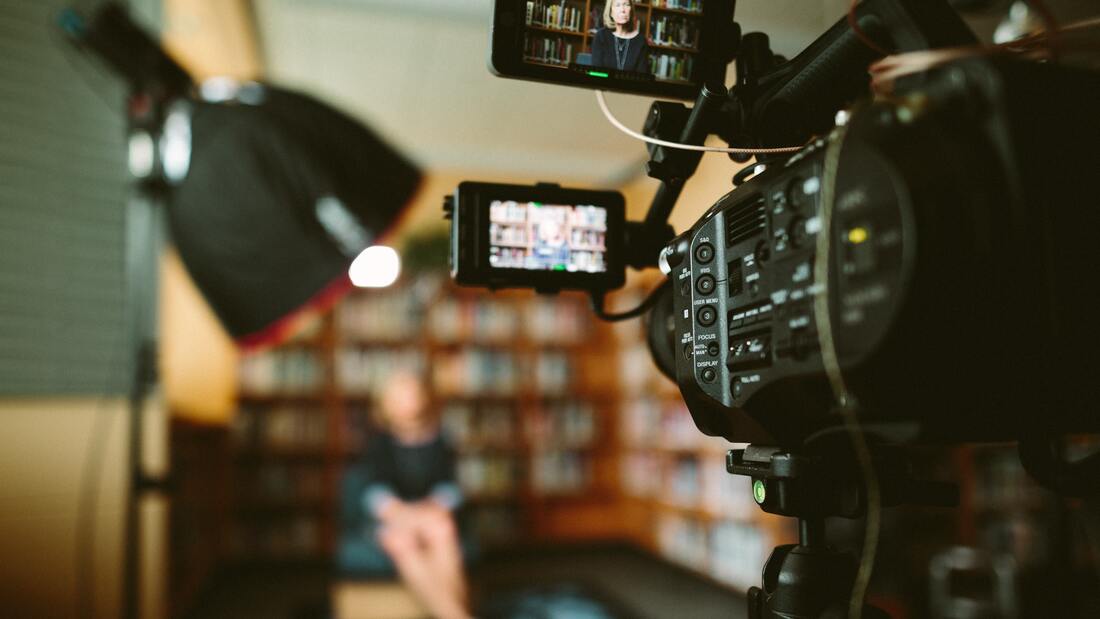
Lighting! We've all learned a lot about lighting in recent times as we moved to home offices and virtual environments. For my particular recording, there were softboxes in place to supply soft light at an angle while we were also facing large glass windows, allowing natural light to illuminate the scene. There was also a stand with a dark cover to block any harsh lights that were making us squint slightly. Bottom line - think about lighting!
Audio - on this occasion, I was mic'd up with a lapel mic that via a wireless transmitter clipped on to my pocket was sending the audio to the receiver (cameraman listening to audio quality on earphones as well as recording video!). Consider your recording venue or space - you have to be aware of any background noise/conversations also - keep an 'ear' on that. The quality of your audio is essential.
Enhancing how it all works:
* As I mentioned, conversational tone can really capture a viewer's engagement and interest, so really consider this. You may actually come across better without a script that you can become over-dependent on, and tend to use your 'reading voice' with! You can even come across as speaking too slow - but if this occurs, your editor does have the capacity to speed up your speaking pace in post-production!
* If you are reading your script from a teleprompter, be sure to consider your eye gaze and not to over stare - it can sometimes look too intense in the recording.
* Consider a pause between some of the points you are making when on camera. This really helps the editor to be able to cut between scenes/statements...you may not realise it, but the 'pause' can keep your editor smiling later on.
* If you are going to go with a script, ensure you use bold, italics, spacing etc. It really helps you know which words to emphasise and when to pause. Prepare before the record button is pressed, to determine the right rolling speed you need for your pace of speaking. Keeping a low number of words per line can reduce the eye 'tracking' from left to right as you read the text.
* We were advised not to wear pin striped shirts when being recorded. With certain filters on cameras, this can cause a wavy/blurry, distracting effect on camera (called 'moire'). I have numerous pin striped shorts so it was good to know this in advance.
Lighting! We've all learned a lot about lighting in recent times as we moved to home offices and virtual environments. For my particular recording, there were softboxes in place to supply soft light at an angle while we were also facing large glass windows, allowing natural light to illuminate the scene. There was also a stand with a dark cover to block any harsh lights that were making us squint slightly. Bottom line - think about lighting!
Audio - on this occasion, I was mic'd up with a lapel mic that via a wireless transmitter clipped on to my pocket was sending the audio to the receiver (cameraman listening to audio quality on earphones as well as recording video!). Consider your recording venue or space - you have to be aware of any background noise/conversations also - keep an 'ear' on that. The quality of your audio is essential.
Enhancing how it all works:
* As I mentioned, conversational tone can really capture a viewer's engagement and interest, so really consider this. You may actually come across better without a script that you can become over-dependent on, and tend to use your 'reading voice' with! You can even come across as speaking too slow - but if this occurs, your editor does have the capacity to speed up your speaking pace in post-production!
* If you are reading your script from a teleprompter, be sure to consider your eye gaze and not to over stare - it can sometimes look too intense in the recording.
* Consider a pause between some of the points you are making when on camera. This really helps the editor to be able to cut between scenes/statements...you may not realise it, but the 'pause' can keep your editor smiling later on.
* If you are going to go with a script, ensure you use bold, italics, spacing etc. It really helps you know which words to emphasise and when to pause. Prepare before the record button is pressed, to determine the right rolling speed you need for your pace of speaking. Keeping a low number of words per line can reduce the eye 'tracking' from left to right as you read the text.
* We were advised not to wear pin striped shirts when being recorded. With certain filters on cameras, this can cause a wavy/blurry, distracting effect on camera (called 'moire'). I have numerous pin striped shorts so it was good to know this in advance.
If I was doing it all again....
- I'd re-use the mindmapping and microsoft dictate function to get a draft of the script together, one with a more conversational tone to it.
- I'd actually consider a more ad-lib approach vs. script reading....(this was requested by our recording/editing producers on the day in addition to the script reading version, so we recorded two versions that day - one scripted, the other not)....and I'd break the script main points in to sections and record them one by one, pausing between each, as opposed to trying to record all the 'content' in one go/speech.
- I'd pause more between statements - just to make the editing process a bit easier.
- I'd recommend making sure you consider your background - just in case you are infront of a white board with a secret formula on it, or is there is any signage right above your head!
- Lastly, I'd try next time to forget about it once it's done! It's hard not to replay the experience, and think about all the things you would say next time etc. So once it's done next time, it's done!
Update: I just saw the recording!
So, yesterday I got to see the final recording as one piece for the first time - including my section. Here were my initial thoughts, building on what I outlined above in regard to the prep and the recording process.
- The director, not surprisingly, went with the unscripted performance, where we didn't use the teleprompter! It was 100% the right decision, less reading and comes across more authentic, more natural.
- Only a fraction of your recording actually makes the final edit. I completely get this...time, engagement, topic, fairness across all in the recording, etc. But it's good to be aware this can occur. After the recording, there was one thing I wished I'd mentioned. I actually replayed this in my head numerous times since - and that section didn't even make it in the end. So lesson learned for me there too - when it's done, it's done. Don't sweat the small stuff!
- I notice I naturally do a lot of hand gesturing when I speak, to emphasise certain points. The director mentioned that was fine to move hands when speaking, again more conversational, but I think I'd be more aware of it next time and tone it down a bit!
- Key point. Trust the director/recording team...they know what works, their advice is there for a reason and although it may not seem like it at the time, it is advice worth listening to - for your own benefit! Everything that was recommended or decided on in this particular project was correct. Lucky to have worked with such an experienced team on this.
The full mini-documentary ⬇️
I appear at 1:34!
Below is an image from the live Next Steps event at the RDS, held on 10 Nov 2021. Great to be on the big screen! Vital to consider our Next Steps now. Reflecting on how HE changed in March 2020 made me realise how far we’ve come; how togetherness, partnership & community supported us in helping each other.
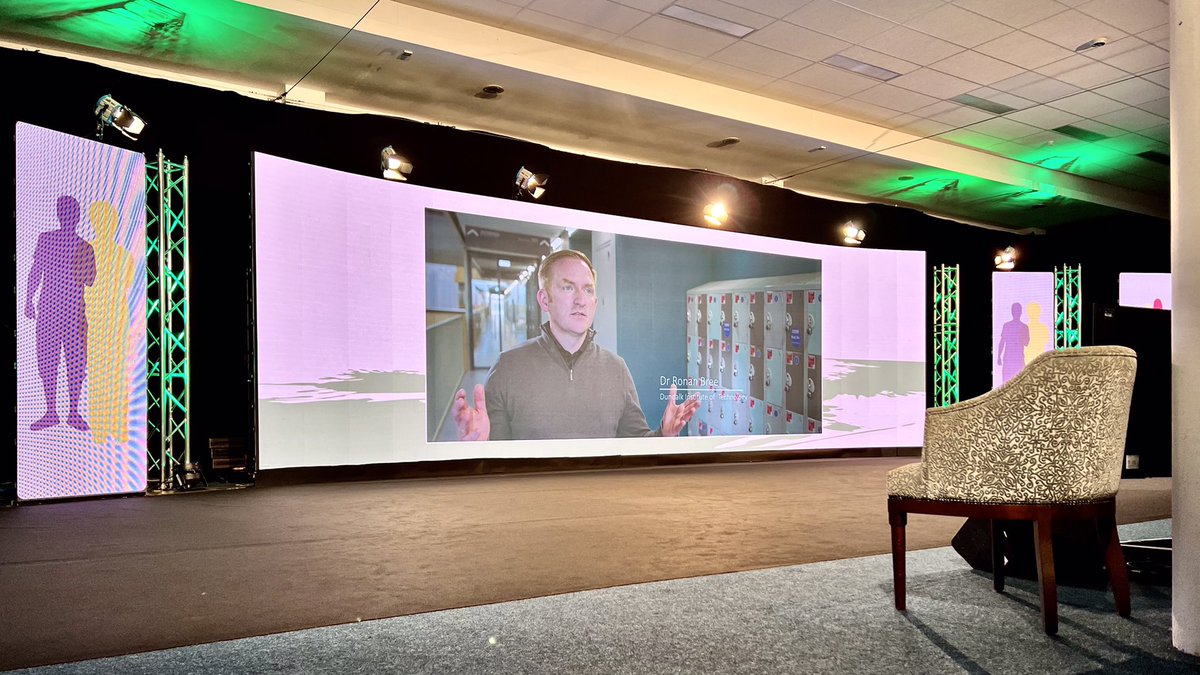
Photo by Sam McGhee on Unsplash